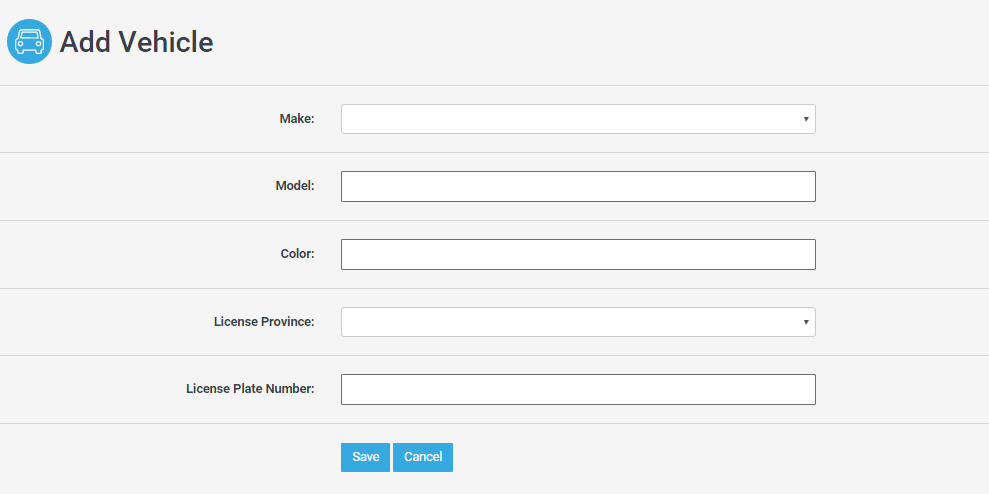
This guide explains how to add or update your car (vehicle) information in My Account.
Note: This feature may not be enabled in your condo. Please contact Property Management if you would like to make changes if this is the case.
How to Add/Edit a vehicle on your account:
1. Log into Condo Control Central and click on "My Account" in the side navigation

2. Click on the "Vehicles" tab

3. Click "New" to add a new vehicle

4. Click the pencil next to the make of the vehicle to edit the information.

5. Enter your vehicle information and click "Save" once you have made the changes.