In this user guide, we will review how to log/relock a unit when an Authorized Person leaves.
1. Select Security & Concierge from the main menu.

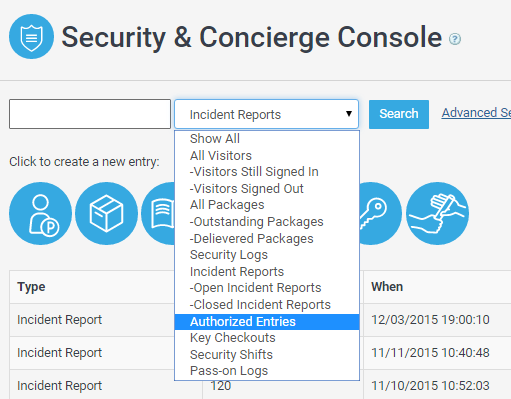
2. Select Authorized Entries from the search drop down list.
3. Enter any information regarding the Authorized entry.
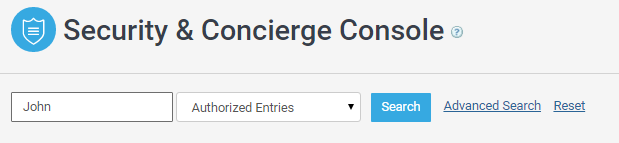
4. Click on Search.

5. A list of Authorized entries should appear.

6. Click Relock once the Authorized person leaves and the unit is locked.